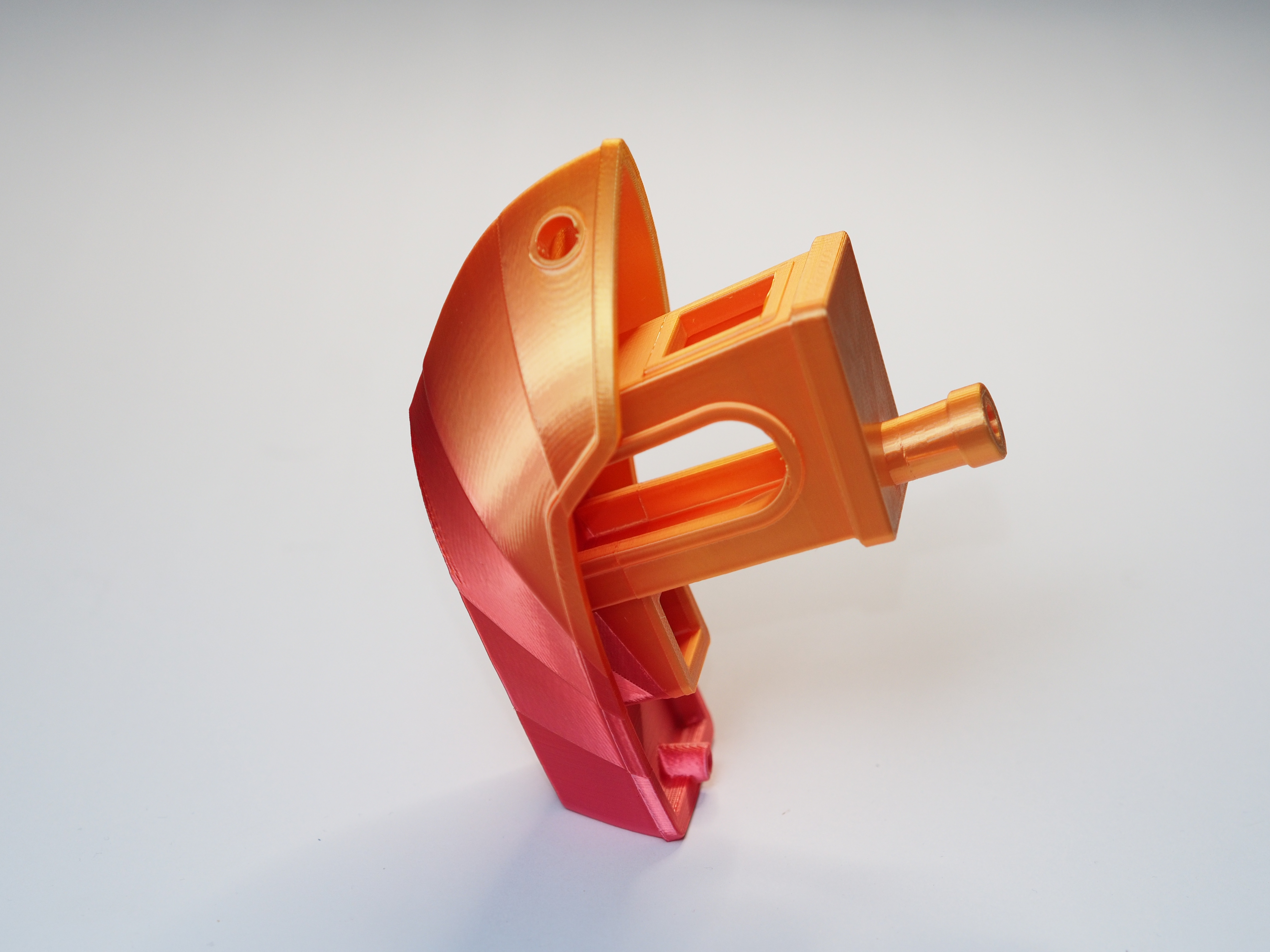
No supports
The part tilts and turns under the nozzle, so overhangs print as walls. This Benchy was printed sideways with no supports.
Current machines sold out · next batch open
Starting at $999 Have an access code? Enter it when you reserve.
Reserve one from the next production batch with a refundable $100 deposit that locks in your price, or pay in full now and get free Unlayered merch shipped to you.
Have an access code? Enter it when you reserve. We email you to confirm your build (kit or fully assembled, and whether you want the enclosure). The deposit is fully refundable until your printer ships. Shipping, taxes, and duties will be charged separately upon production end. Estimates will be provided soon.
The part tilts and turns under the nozzle, so overhangs print as walls. This Benchy was printed sideways with no supports.
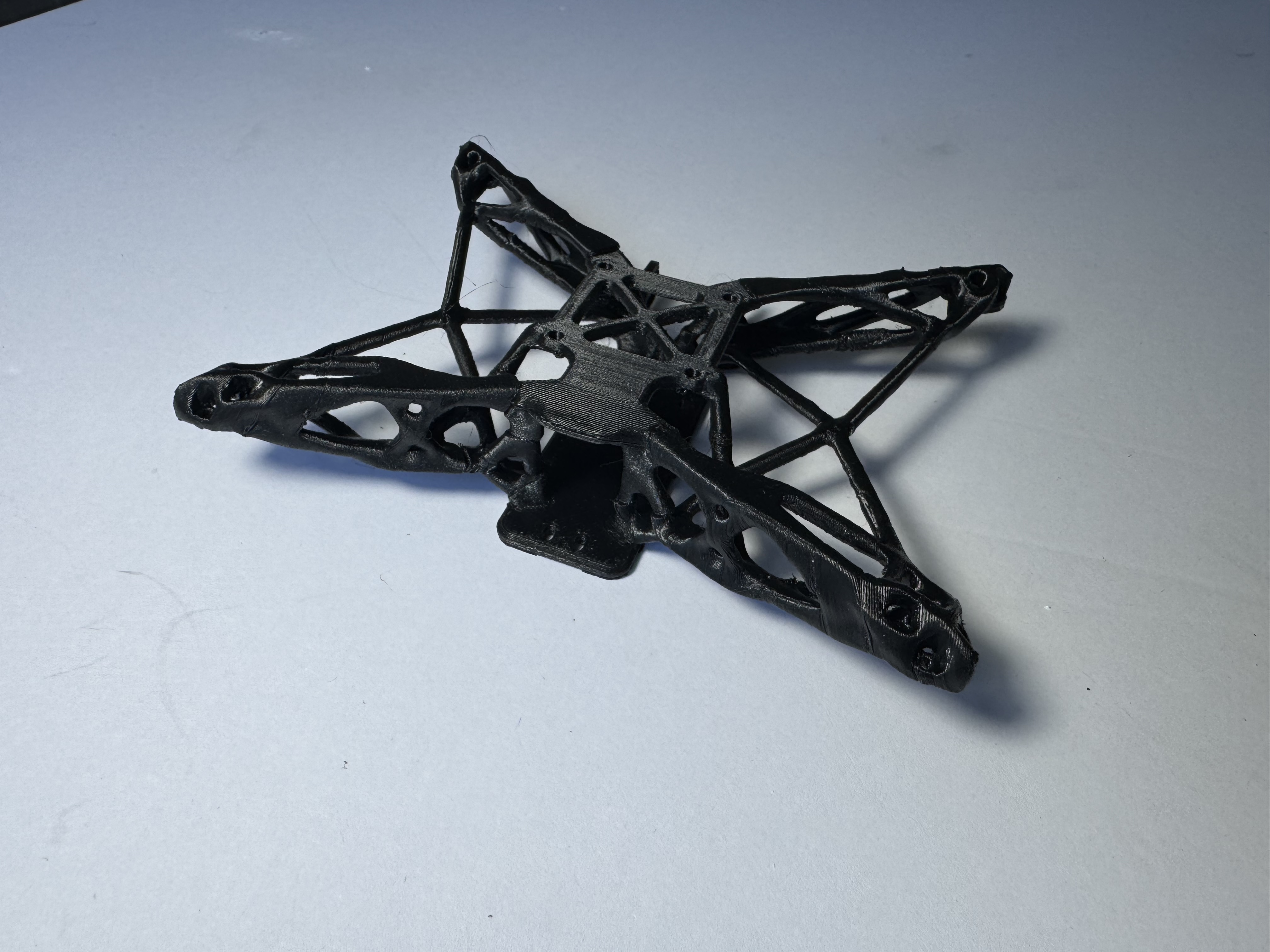
Toolpaths follow the shape of the part instead of flat layers, putting strength where the loads are.
A 300 °C hotend and a 100 °C bed for nylon carbon fiber and other engineering filaments. Add the enclosure for the materials that need it.
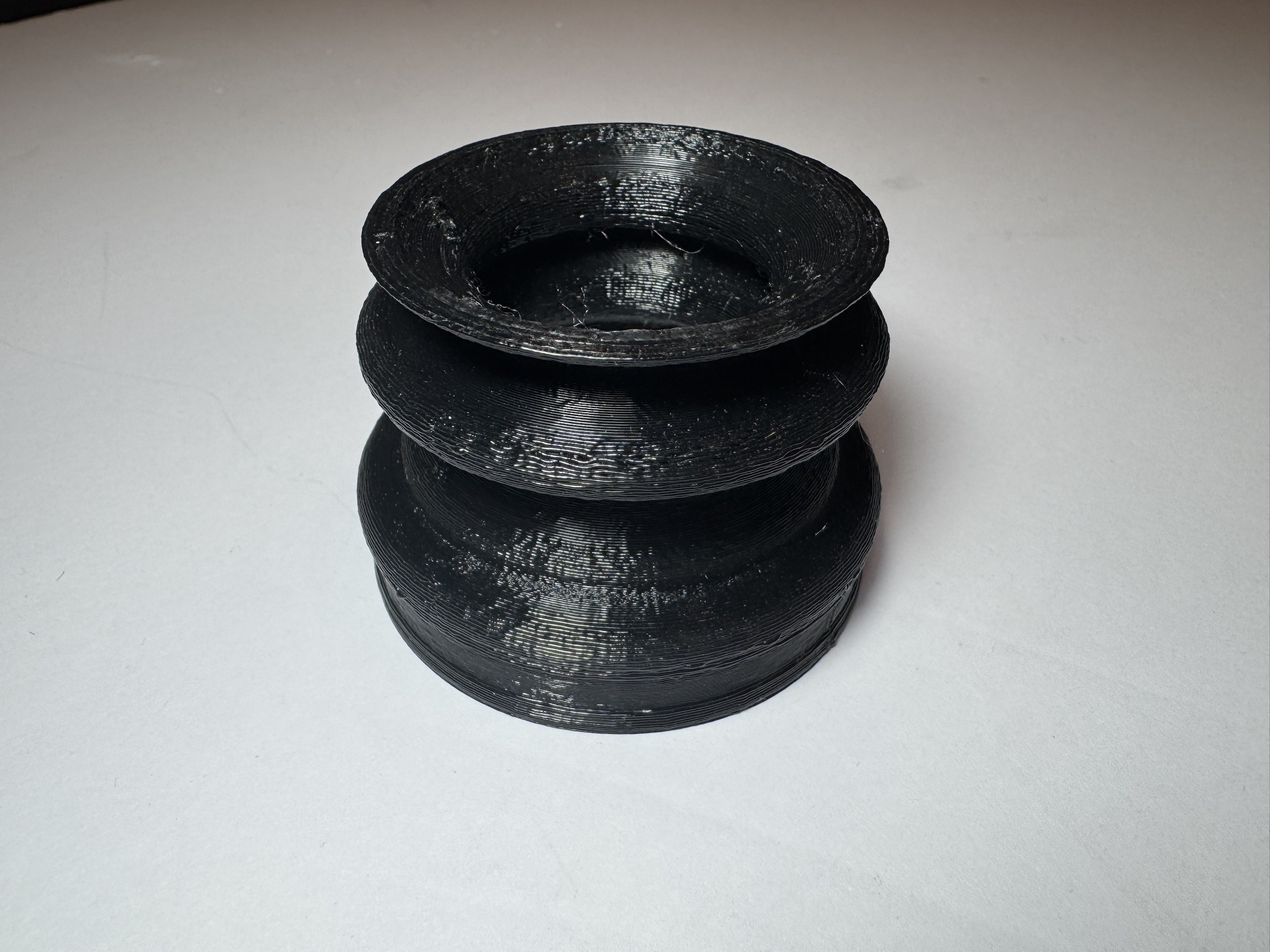
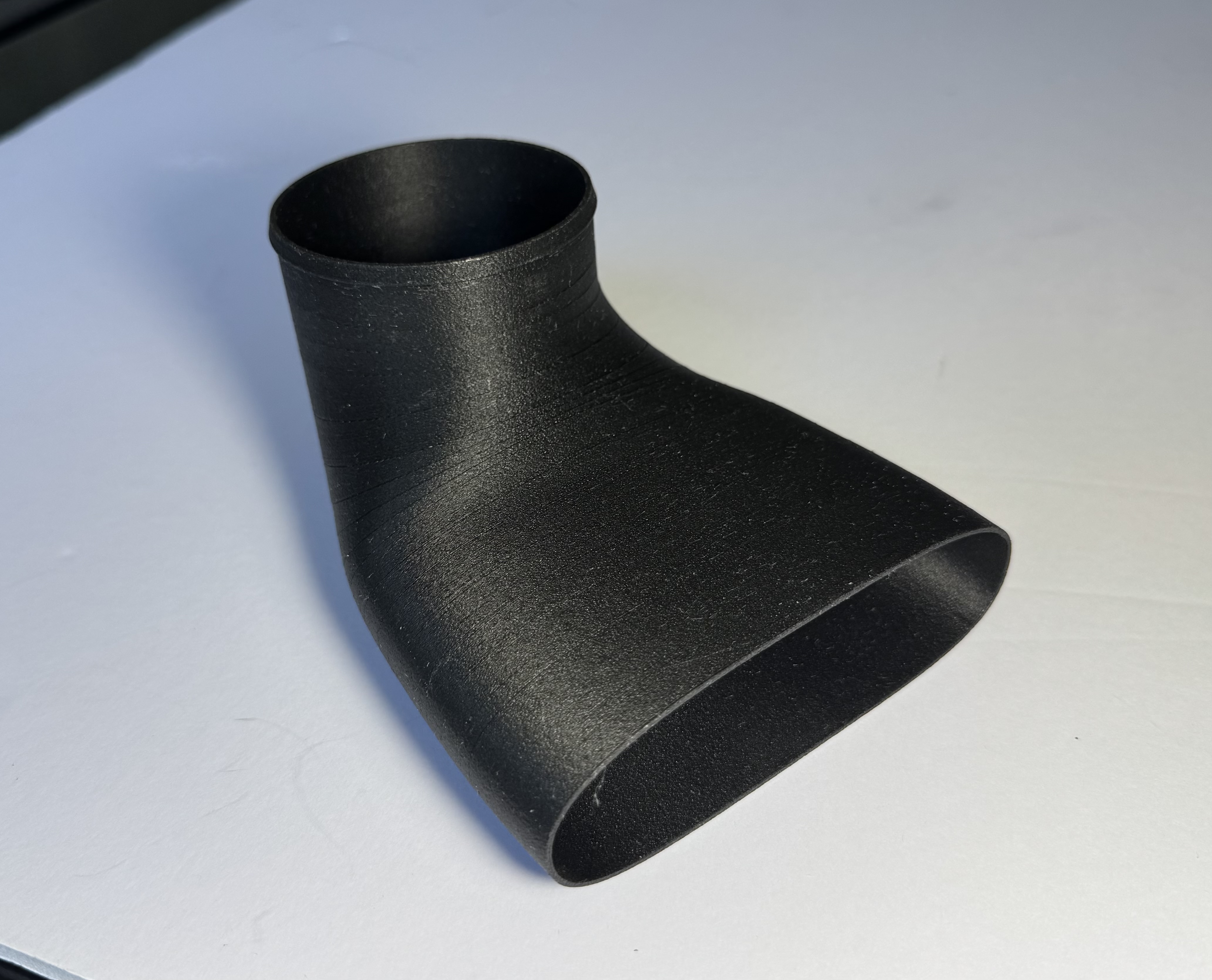
Round parts print concentrically on the rotary axis, like this CV boot in flexible TPU. Curved surfaces come out smooth, not stair-stepped.
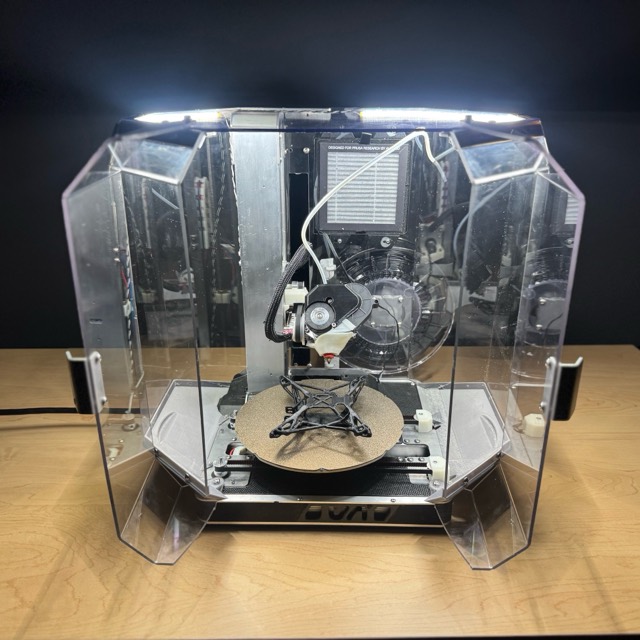
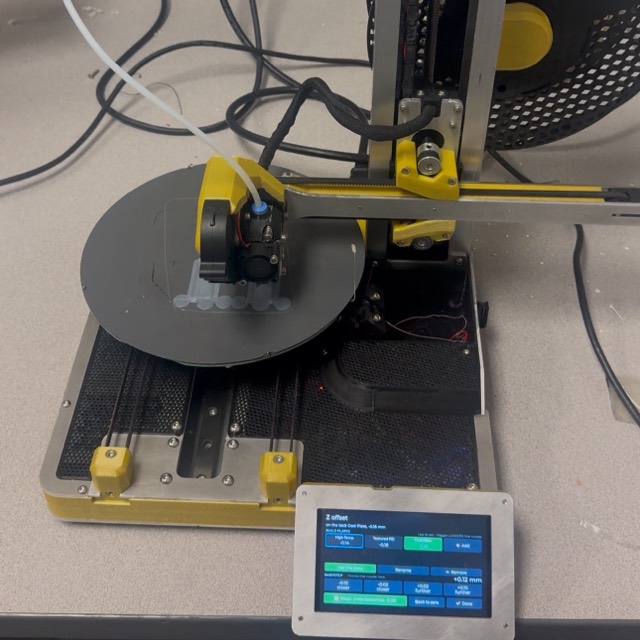
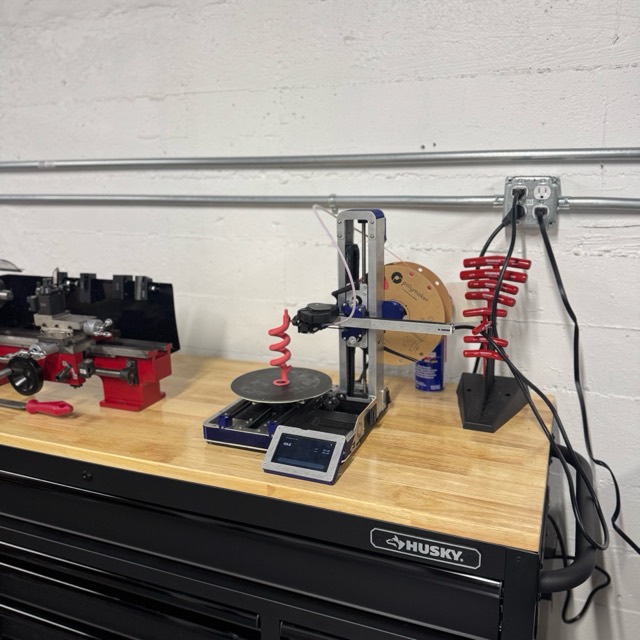
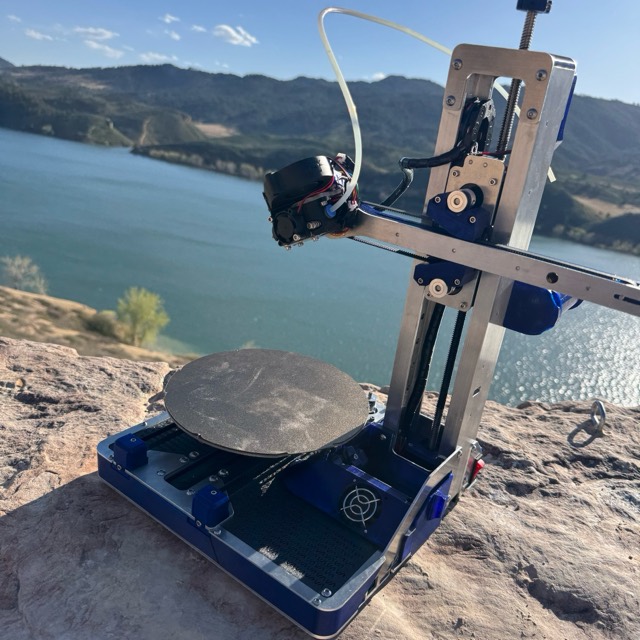
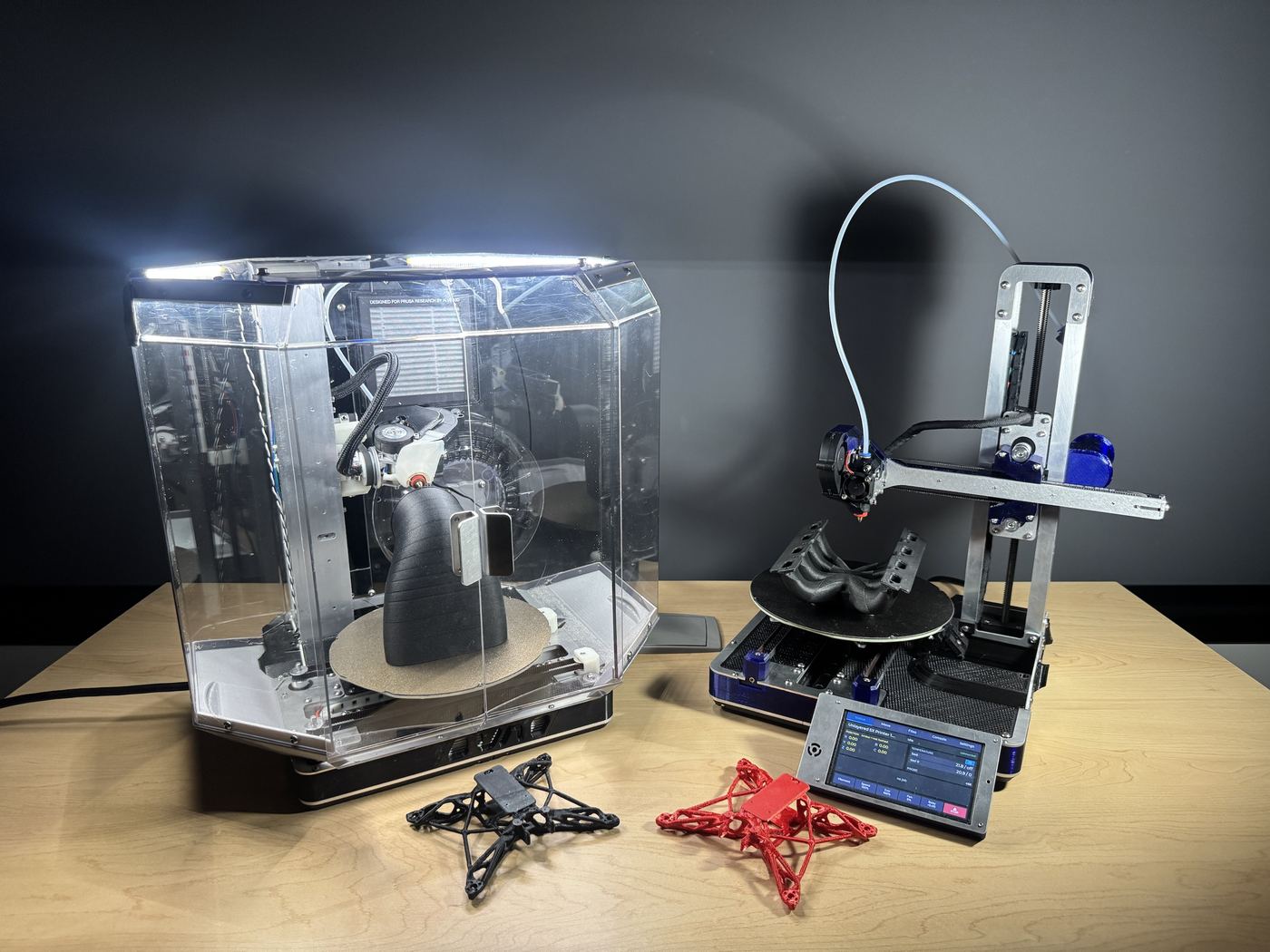
Everything a regular 3D printer does, plus a nozzle that tilts and a bed that turns.
Both builds are the same desktop-sized printer: a 200 × 200 mm build volume (diameter × height) and filaments from PLA and PETG to TPU, PC and PA-CF.
Unlayered Slicer slices in every direction, not just in flat layers, and it's free for Windows and macOS. The Unlayered Agent sets up the print for you: ask for “no supports” and it changes the settings. The same slicer works with Bambu Lab, Prusa, Creality, Voron and Klipper printers too.
Yes, fully, until your printer ships. Email info@unlayered3d.com and we'll refund it.
Our current machines are all spoken for. Reserving puts you in the next production batch, and we email you before your printer ships.
Yes. We confirm the build and add-ons with you by email before collecting the balance, so until then you can switch between kit and fully assembled, or add or drop the enclosure.
PLA, PETG, ABS, ASA, TPU, PC and PA-CF (nylon carbon fiber), with a nozzle up to 300 °C and a bed up to 100 °C. Add the enclosure for the materials that need it.
Unlayered Slicer, which is free. It works out the tilting and turning for you.
Talk to our team about printer fleets, offline setups and production parts.
Reserve yours from the next production batch with a refundable $100 deposit that locks in your price, or pay in full and get free merch.